Talk
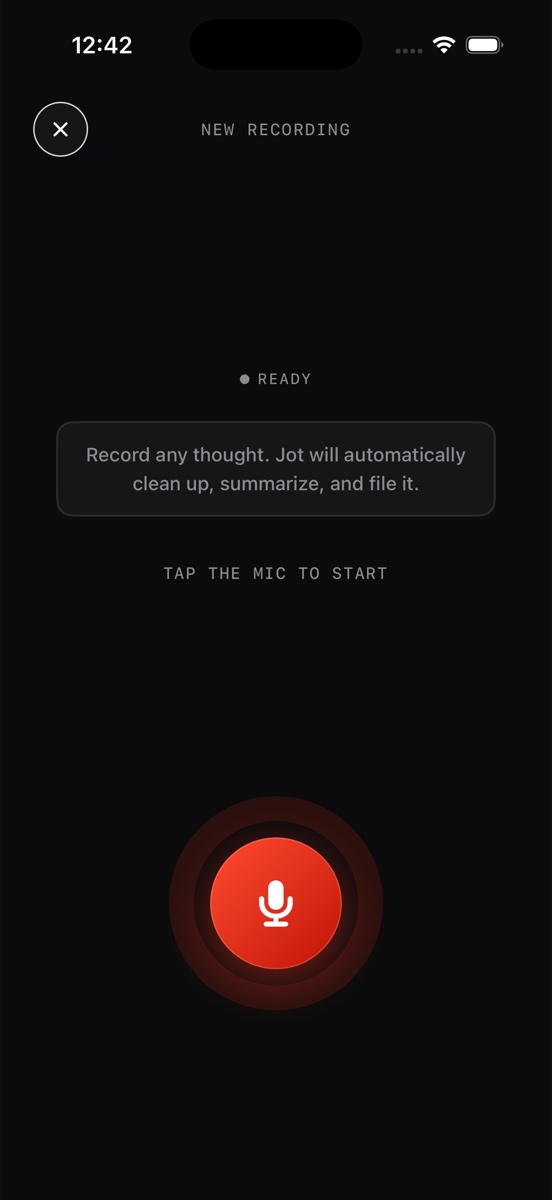
Tap the red mic — from the app or the home-screen widget — and say whatever's in your head. Meetings, ideas, worries, your day. Live waveform, pause anytime.
INPUTYOUR VOICE
Record any thought — Jot AI transcribes it, cleans it up, summarizes it, and files it. Rambling becomes readable notes, problems become plans, ideas become docs, and your days become a journal.
No typing, no formatting, no folders to think about. You talk; the system does the clerical work.
Tap the red mic — from the app or the home-screen widget — and say whatever's in your head. Meetings, ideas, worries, your day. Live waveform, pause anytime.
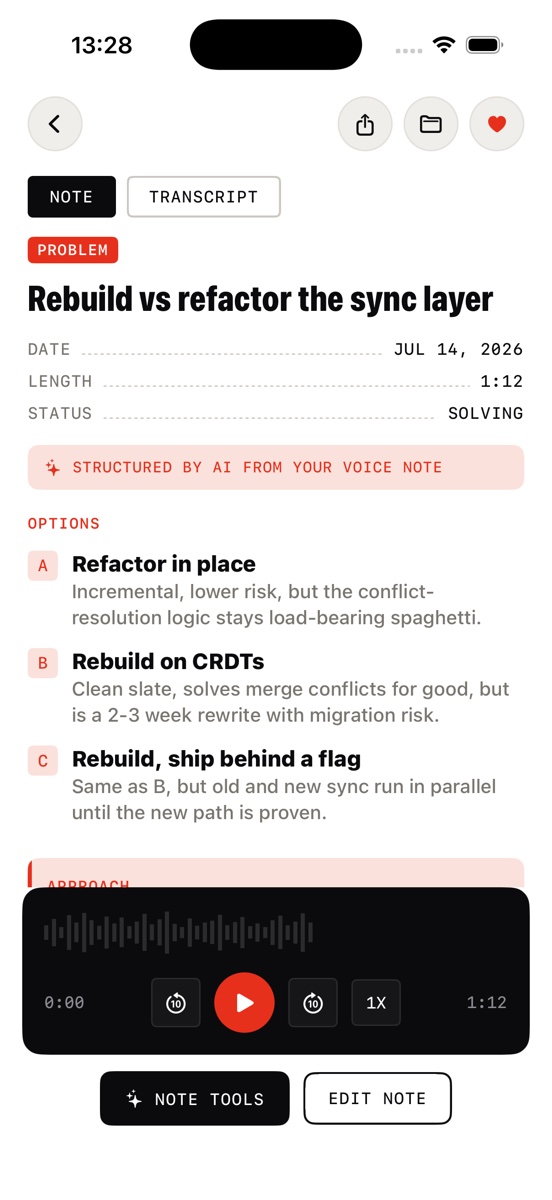
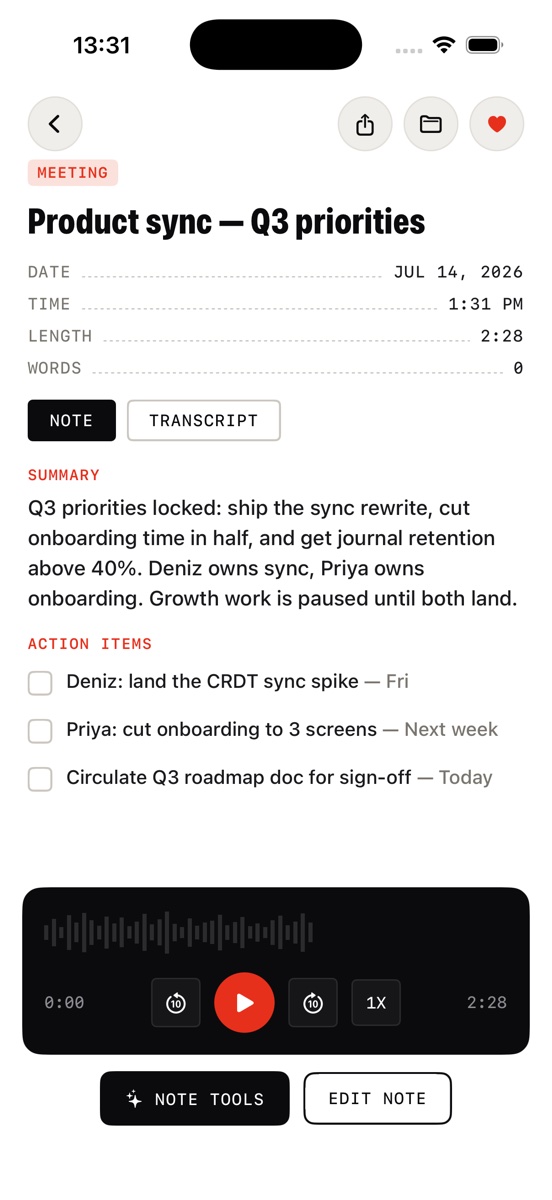
Jot transcribes the recording, then rewrites it into a clean note: title, summary, structured sections. The raw transcript stays one toggle away.
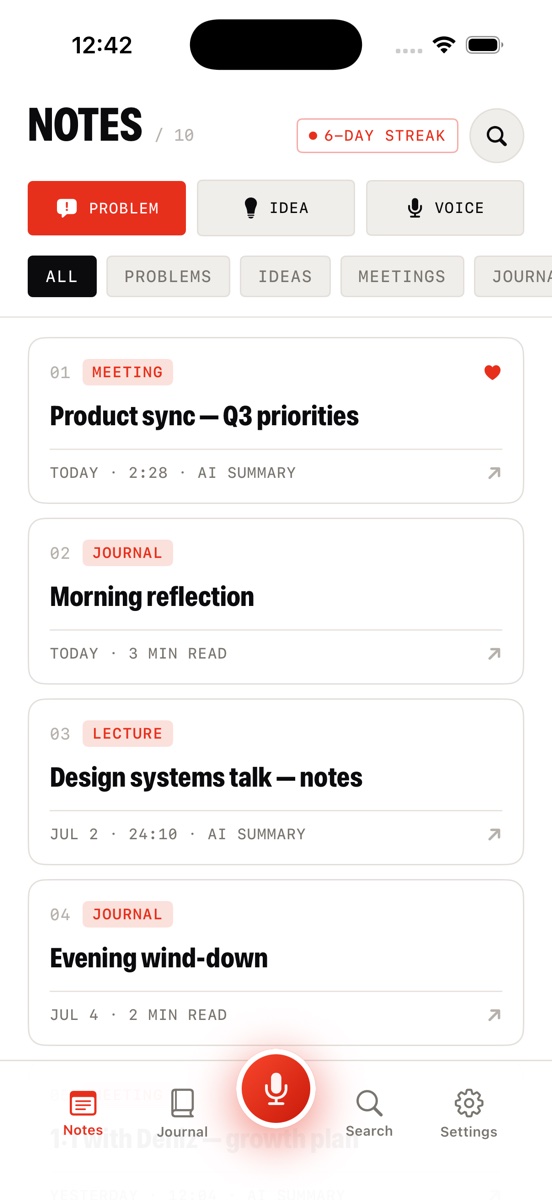
Every note is auto-tagged — Problem, Idea, Meeting, Lecture, Journal — and lands in your library with search across notes, transcripts, and journal entries.
Capture, structure, journal, search — the whole system in five screens.
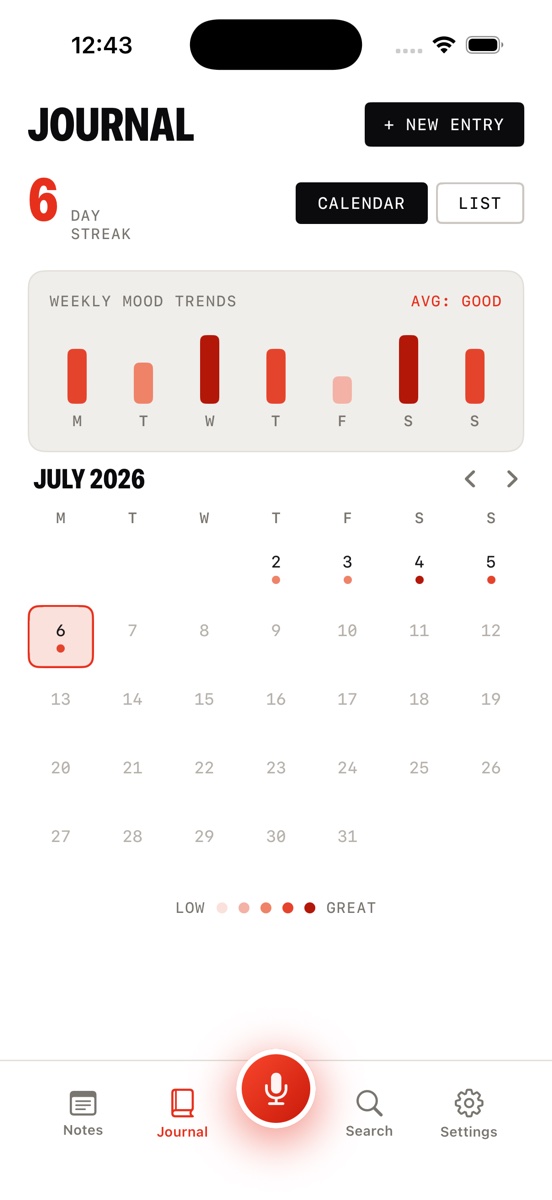
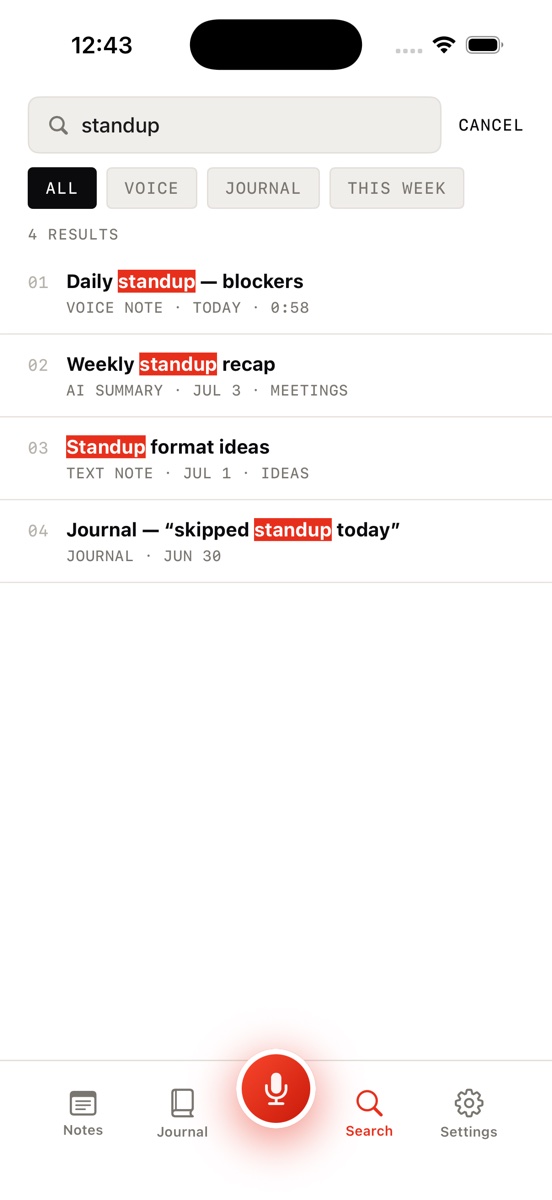
Practical guides on voice-first note taking, journaling, and thinking out loud — and where Jot AI fits in.
From voice memo to clean, readable note — automatically.
READ → CategoryTranscription vs. structuring — and why the difference matters.
READ → TechniqueEmpty your head in minutes — ADHD-friendly, zero friction.
READ → JournalingMoods, streaks, and a calendar — no blank page required.
READ → OrganizationStop losing recordings — let AI tag, file, and index them.
READ → CaptureThe one-tap capture habit that saves your best thinking.
READ → ThinkingTurn a rambling worry into options, approach, next steps.
READ → Work & studyRecord, get the summary, keep the transcript for receipts.
READ →Download Jot AI, tap the mic, and say what you're thinking. It'll be a clean, filed, searchable note before you finish your coffee.
Download on the App Store